For the complete documentation index, see llms.txt. Markdown versions of all docs pages are available by appending .md to any docs URL.
Connect to an agent
Route to A2A servers and securely expose their skills through agentgateway.
Proxy requests to an agent that communicates via the agent-to-agent protocol (A2A).
Before you begin
Set up the agentgateway
Create an agentgateway that proxies requests to the ADK agent that you create later.
Create a listener and target configuration for your agentgateway. In this example, the agentgateway is configured as follows:
- Listener: An HTTP listener is configured for the A2A protocol and exposed on port 3000.
- Backend: The agentgateway targets a backend on your localhost port 9999, which you create in a subsequent step.
cat <<EOF > config.yaml
config:
     logging:
       format: json
   frontendPolicies:
     accessLog:
       add:
         backend: backend
   binds:
   - port: 3000
     listeners:
     - routes:
       - policies:
           cors:
             allowOrigins:
             - '*'
             allowHeaders:
             - content-type
             - cache-control
           # Mark this route as a2a traffic
           a2a: {}
         backends:
         - host: localhost:9999

EOF
Create the agentgateway.
agentgateway -f config.yaml
Set up an ADK agent
The following steps use the A2A sample repository.
Clone the A2A sample repository.
git clone https://github.com/a2aproject/a2a-samples.gitRun the Hello World agent.
uv run --directory a2a-samples/samples/python/agents/helloworld .
Verify the A2A connection
In another terminal, run the client and send several test messages to the Hello World agent.
uv run --directory a2a-samples/samples/python/hosts/cli . --agent http://localhost:3000Example output:
======= Agent Card ========
{"capabilities":{"streaming":true},"defaultInputModes":["text"],"defaultOutputModes":["text"],"description":"Just a hello world agent","name":"Hello World Agent","protocolVersion":"0.2.5","skills":[{"description":"just returns hello world","examples":["hi","hello world"],"id":"hello_world","name":"Returns hello world","tags":["hello world"]}],"supportsAuthenticatedExtendedCard":true,"url":"http://localhost:3000","version":"1.0.0"}
=========  starting a new task ========

What do you want to send to the agent? (:q or quit to exit):
Type a sample message, such as
hi, press enter to skip select file, and then send the message by pressing enter again.The agent responded with
Hello Worldby taking a look at the end of the response{"kind":"text","text":"Hello World"}],"role":"agent"}In another terminal tab, manually send a request to the agent card endpoint through agentgateway.
curl localhost:3000/.well-known/agent.json | jqExample output: Notice that the
urlfield is rewritten to point to the agentgateway.{ "capabilities": { "streaming": true }, "defaultInputModes": [ "text" ], "defaultOutputModes": [ "text" ], "description": "Just a hello world agent", "name": "Hello World Agent", "protocolVersion": "0.2.5", "skills": [ { "description": "just returns hello world", "examples": [ "hi", "hello world" ], "id": "hello_world", "name": "Returns hello world", "tags": [ "hello world" ] } ], "supportsAuthenticatedExtendedCard": true, "url": "http://localhost:3000", "version": "1.0.0" }In the tab where the agentgateway is running, verify that you see request logs from your client query to the Hello World agent, such as the following example.
2025-07-10T18:10:46.547567Z info request gateway=bind/3000 listener=listener0 route=route0 endpoint=localhost:9999 src.addr=[::1]:59257 http.method=POST http.host=localhost http.path=/ http.version=HTTP/1.1 http.status=200 a2a.method=message/stream duration=3ms
View the A2A route in the UI
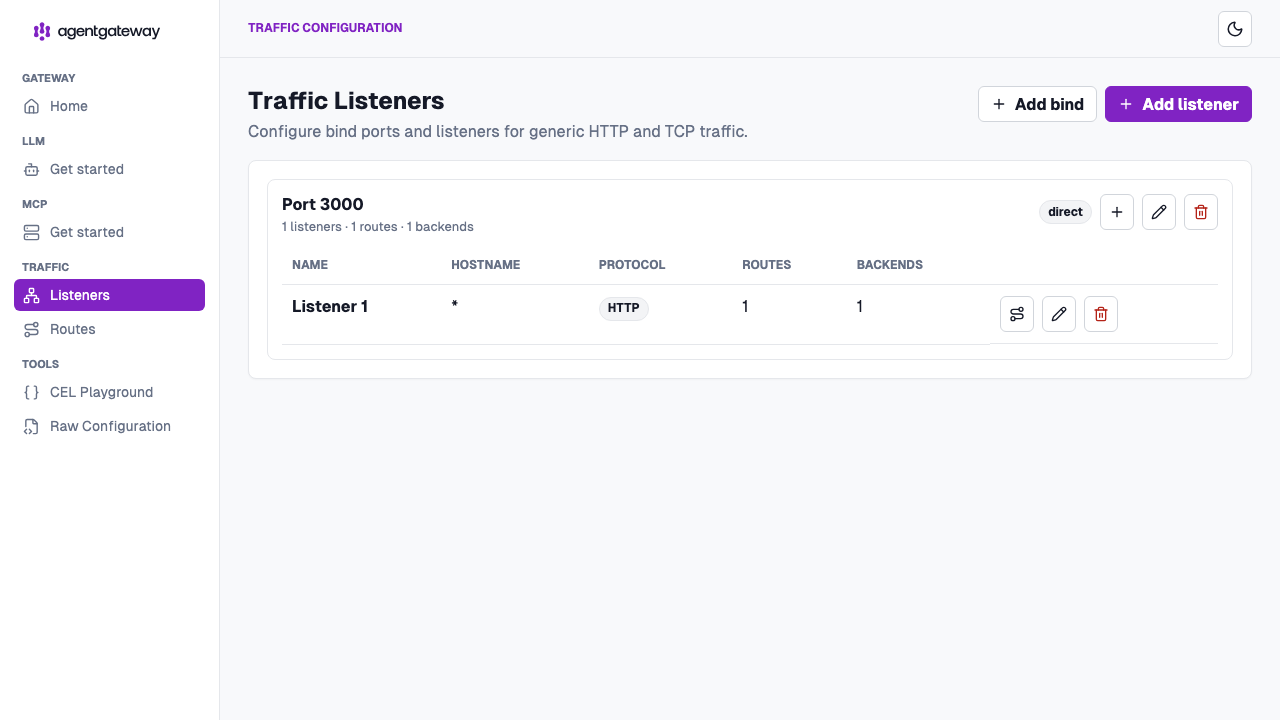
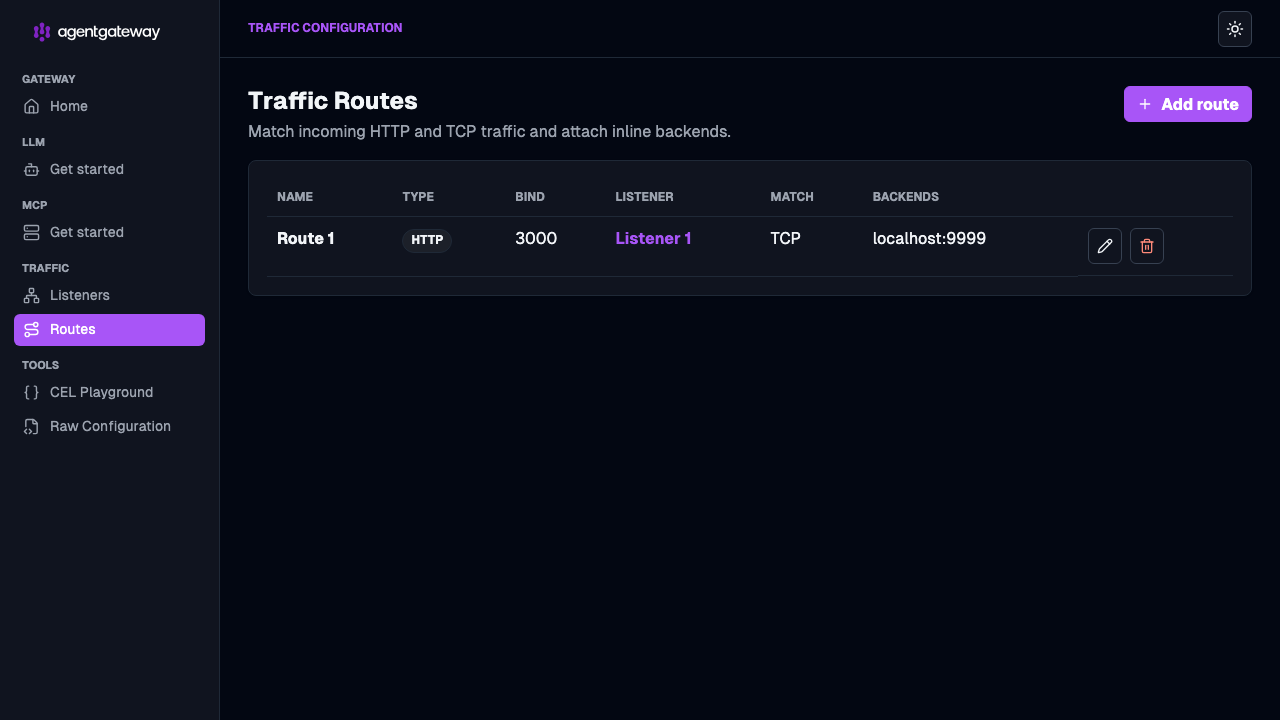
The agentgateway UI shows the listener and route that serve your A2A traffic. To exercise the agent itself, use the A2A client as shown in the previous section.
Open the agentgateway UI on port 15000.
From the navigation menu under Traffic, click Routes. Verify that you see the route for your A2A listener, with the backend set to the ADK agent on
localhost:9999.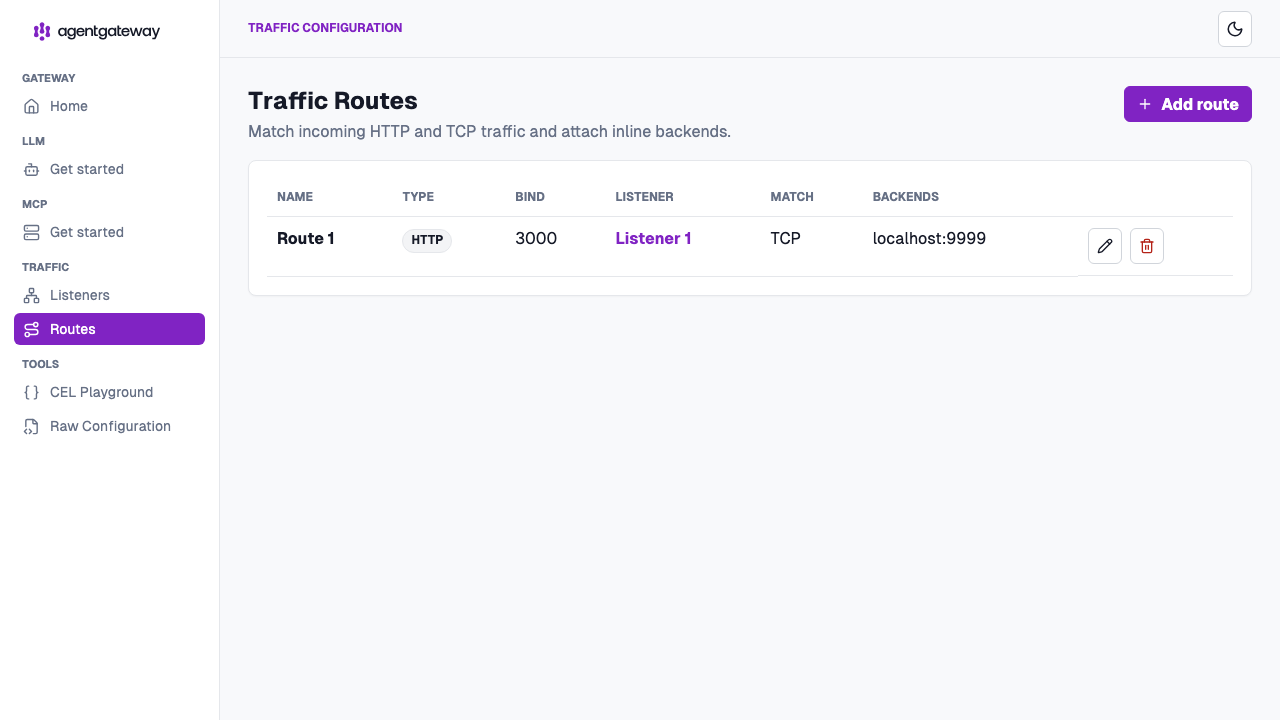
Click Listeners to review the bind and listener that serve A2A traffic on port 3000.