For the complete documentation index, see llms.txt. Markdown versions of all docs pages are available by appending .md to any docs URL.
LLM playground
Send a test chat completion through the gateway in the agentgateway admin UI.
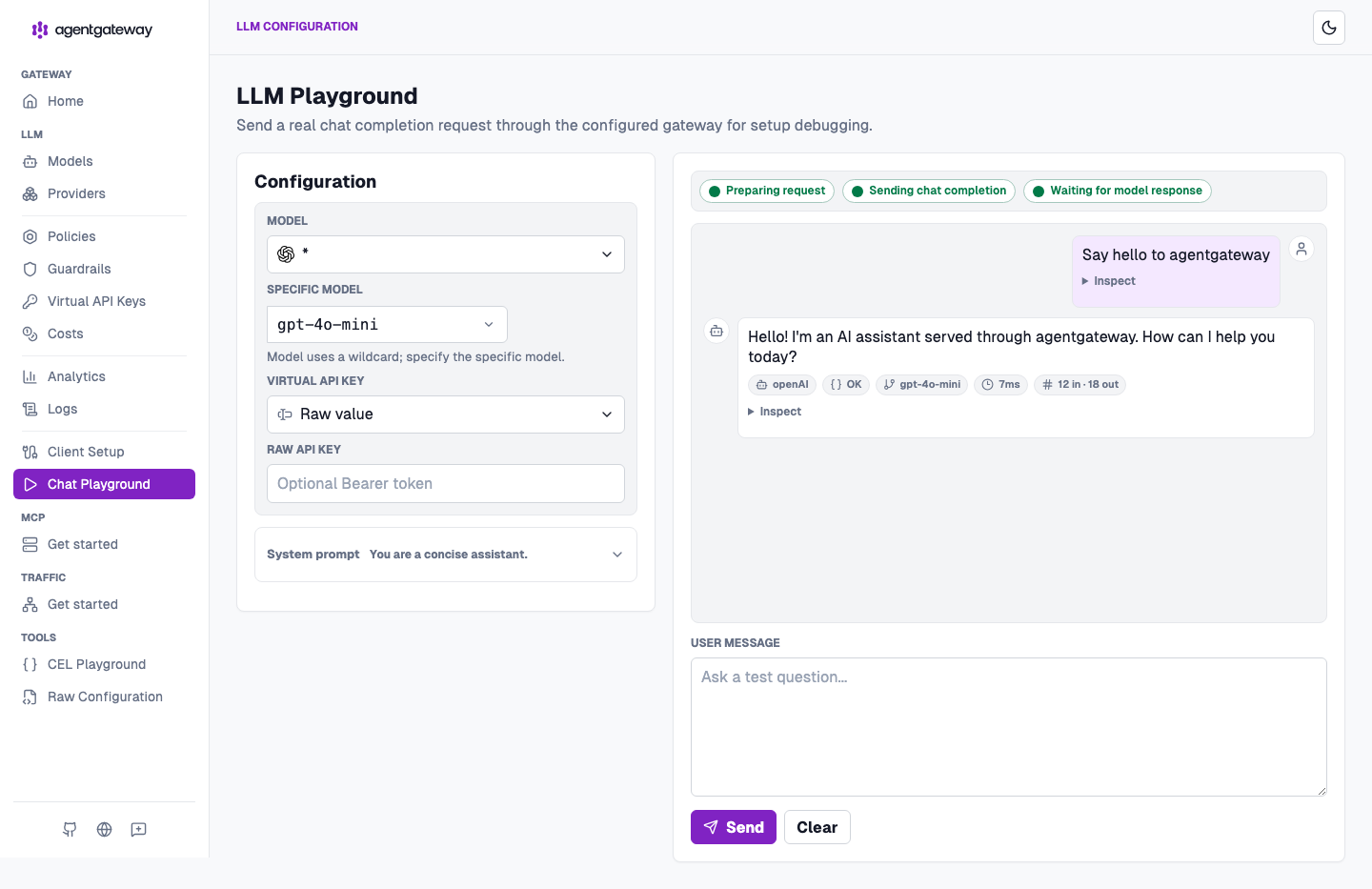
Use the built-in LLM playground in the agentgateway admin UI to send a chat completion request through your configured LLM provider. The playground sends a real request through the gateway, so you can confirm that your provider, model, and policies work before you point an application at agentgateway.
Before you begin
- Install the
agentgatewaybinary. - Configure at least one LLM provider. For an example, see OpenAI or any OpenAI-compatible provider.
Send a test request
Run agentgateway with your LLM configuration.
agentgateway -f config.yamlOpen the LLM playground.
If you see a Browser access is not allowed notice, click Apply CORS so the playground can call the LLM listener from the UI.
In the Model list, select a model. If your configuration uses a wildcard (
*) model, enter a specific model name in the Specific model field, such asgpt-4o-mini.Optional: Expand System prompt to review or change the system prompt.
In the User message box, enter a prompt, such as
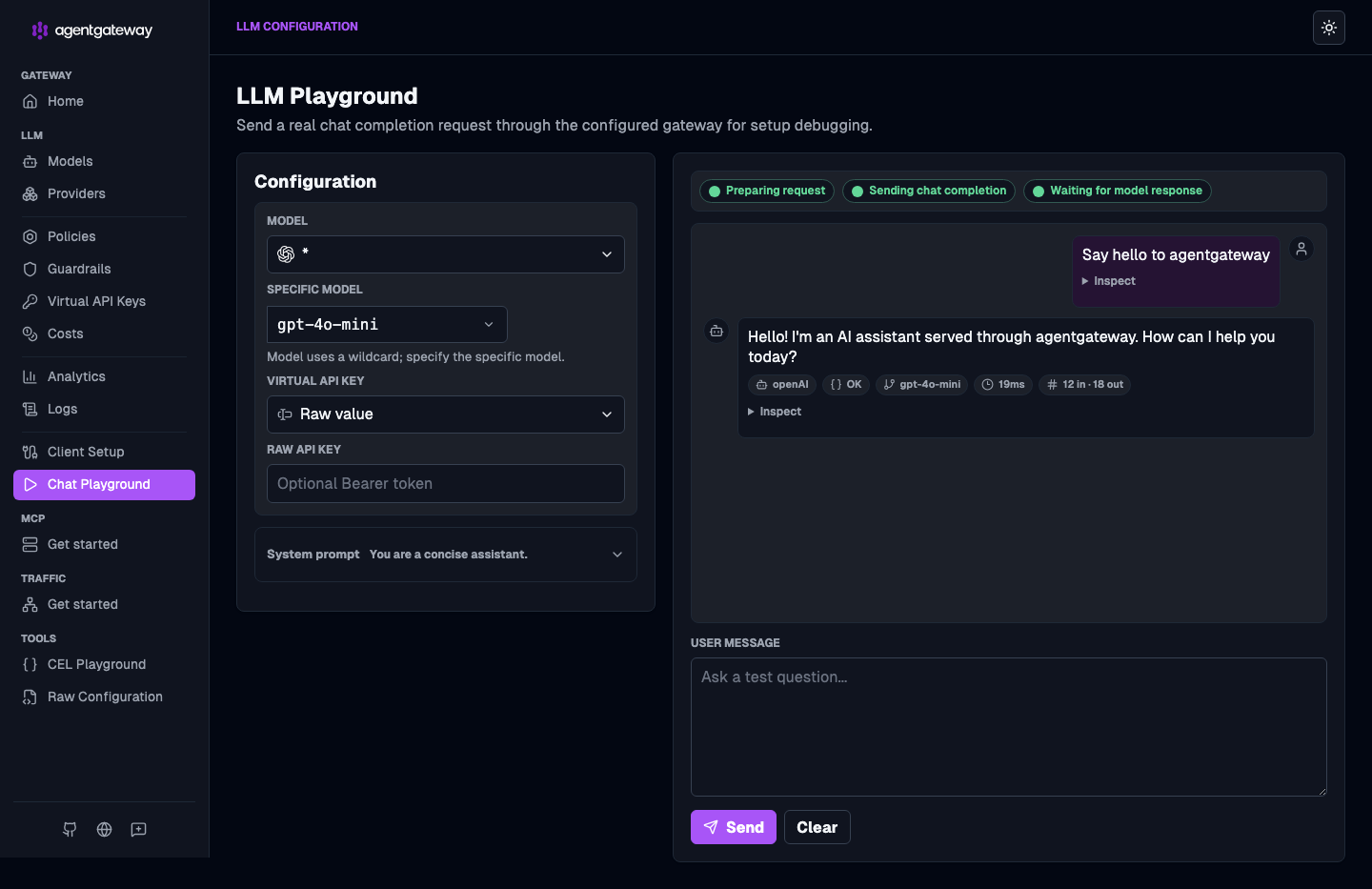
Say hello to agentgateway, and click Send.Verify that the gateway forwards the request to your provider and returns a response in the chat panel. Each response also shows the provider, model, latency, and token usage.
Next steps
- Observe LLM traffic with metrics, logs, and traces.
- Try out CEL expressions in the CEL playground.